Upload photos and enter the address. AI builds a property page with photos, key facts, a map and an inquiry form. You get a private preview link right away, and buyers can see the site once you publish the property in your account.
Example result
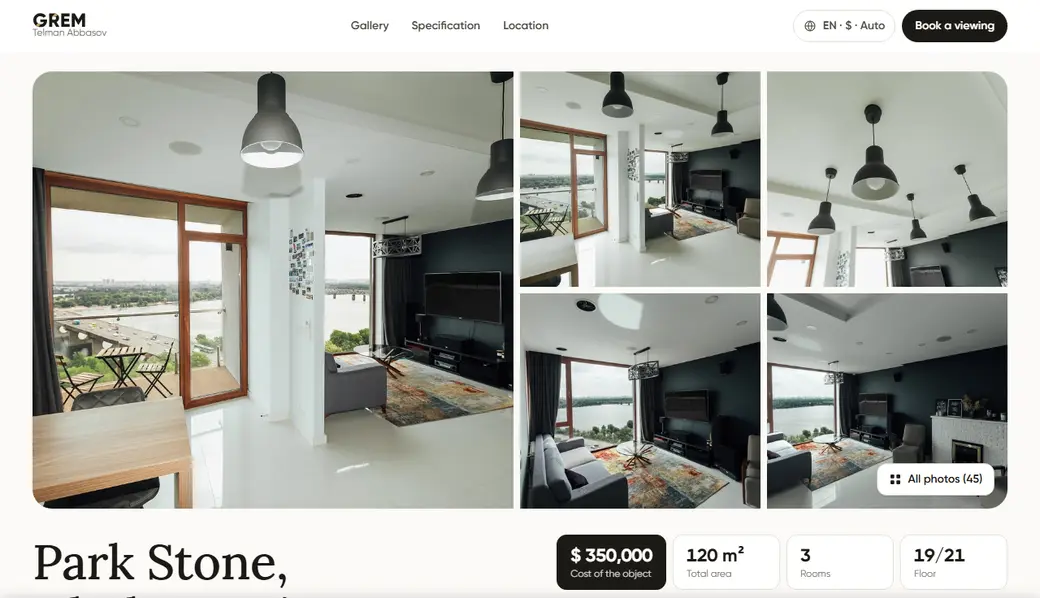
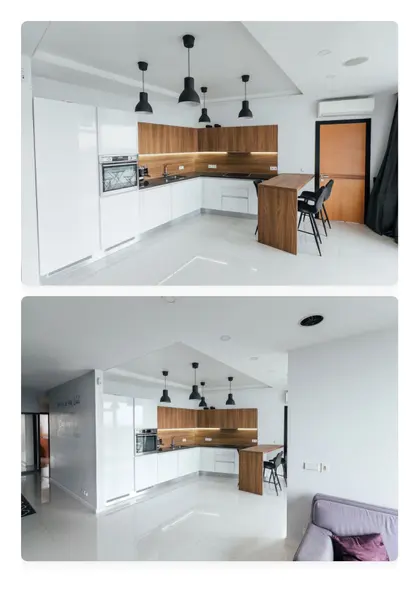
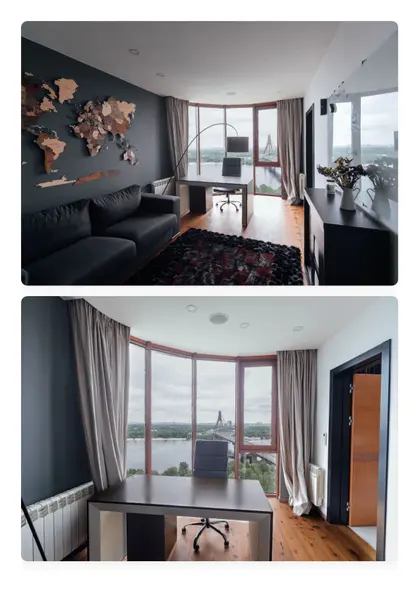
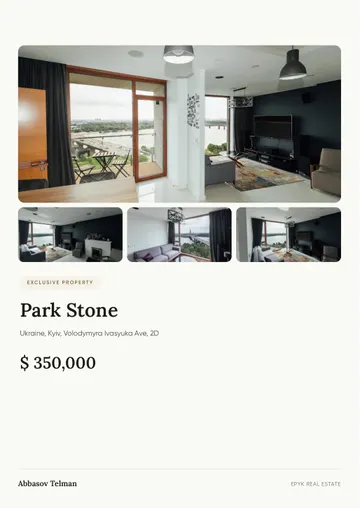
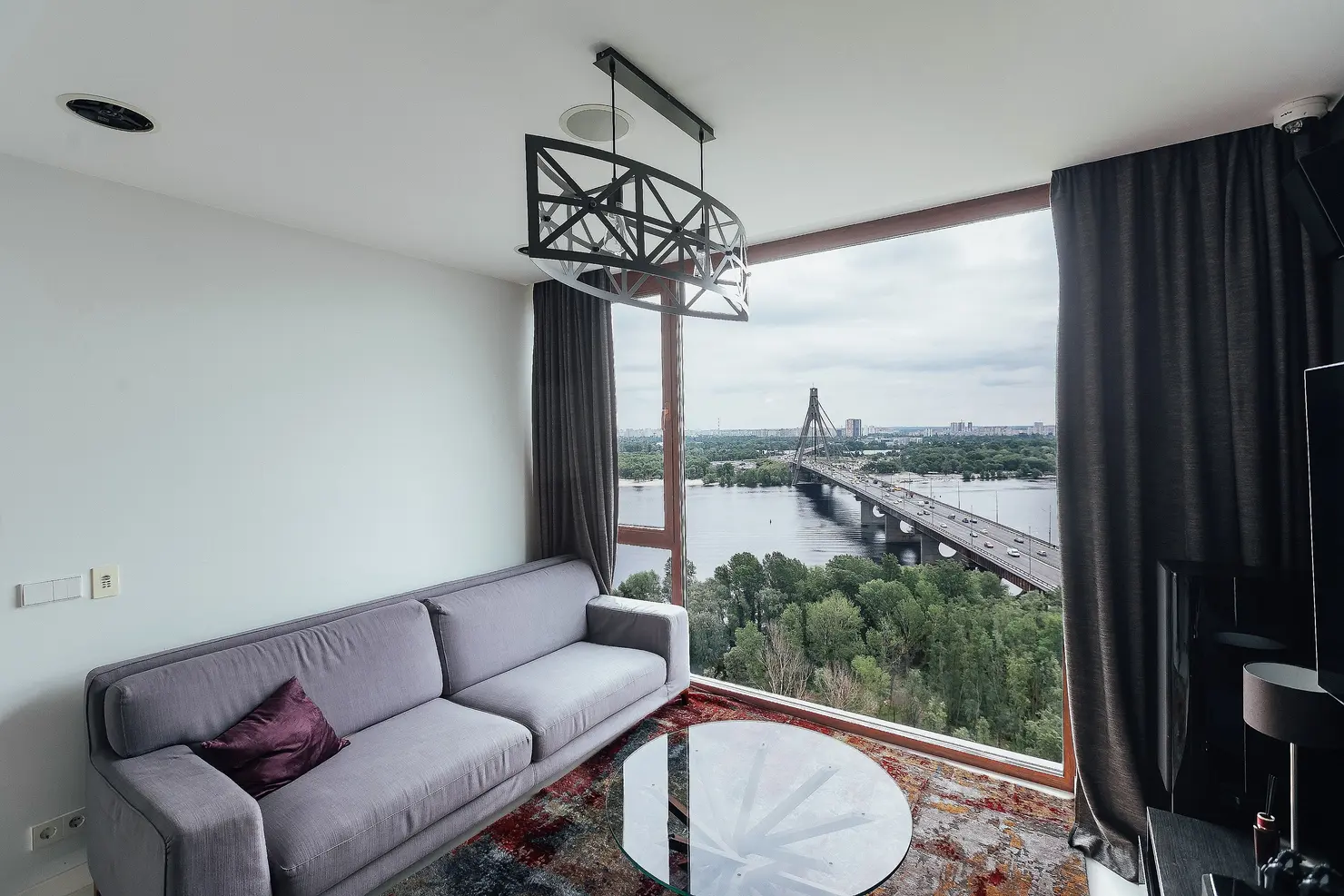
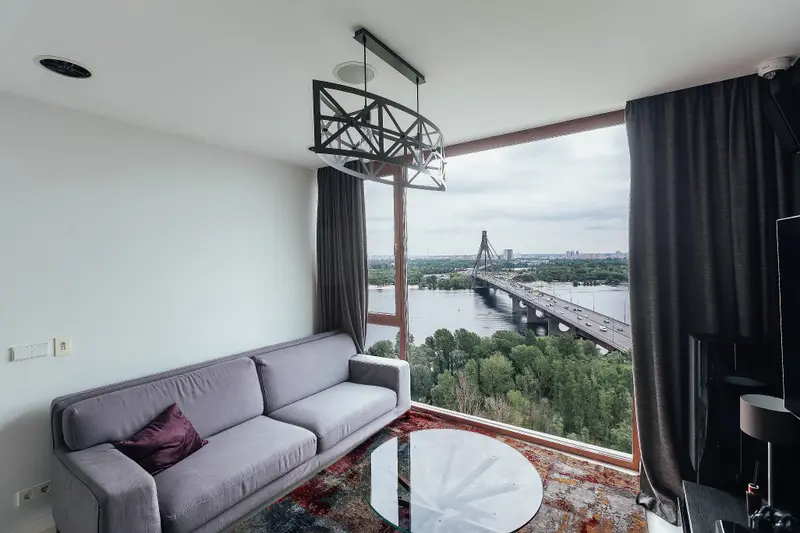
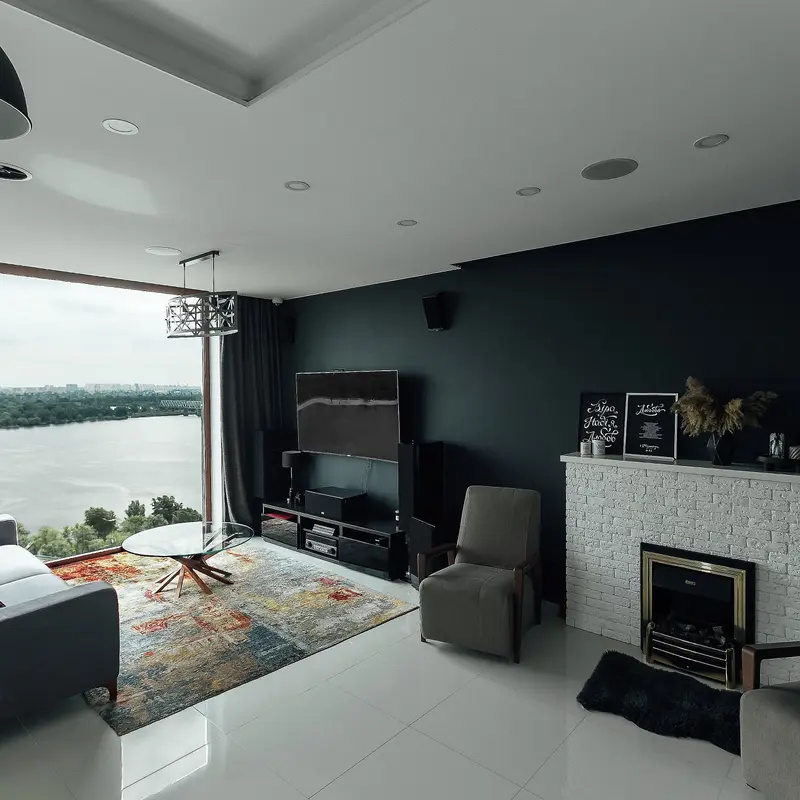
A property website made by the generator: photos, texts, map and request form.
Open the example websiteUpload at least 2 photos, enter the address and choose the site language.
The page gets a gallery, key facts, a description, a map and an inquiry form. The preview link works right away and is visible only to people who have it.
Publish the property in your account and the site opens to buyers. Send the link to clients or share it on social media; inquiries from the form go to your CRM.
The page is built from your photos and address. No hosting or setup: the site has its own link from the start.
A buyer leaves their contact details in the form, and the inquiry appears in the CRM in your account.
Change texts, photos and the price in your account at any time.
The site adapts to phones, tablets and computers. Photos, map and inquiry form stay easy to use on a small screen.
Create the site in English, German, Spanish, Ukrainian, Russian, Azerbaijani, Arabic, French, Chinese or Turkish. Useful for buyers from other countries.
You get a private preview link right after it is created. Buyers can see the site once you publish the property in your account.
Yes. Texts, photos and the price are edited in your account.
Yes. Every site has an inquiry form. The buyer's contact details go to the CRM in your account.
The site stays available as long as your account is active. You can unpublish or delete it in your account.
Yes. The page adapts to phones, tablets and computers.