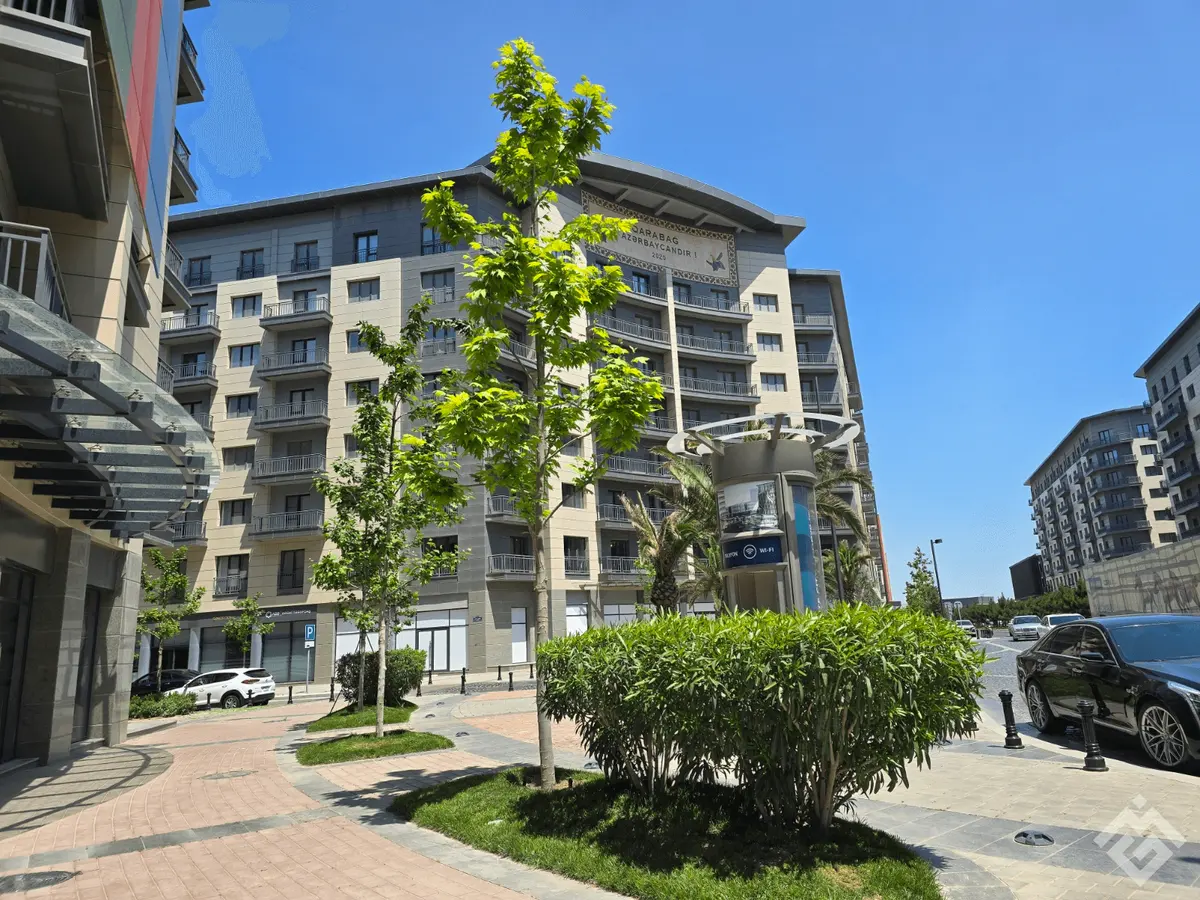
Describe the property and the listing text appears right away, no email needed. Add at least 4 photos and AI prepares enhanced photos, a post, a short video and a PDF presentation. It usually takes a few minutes.
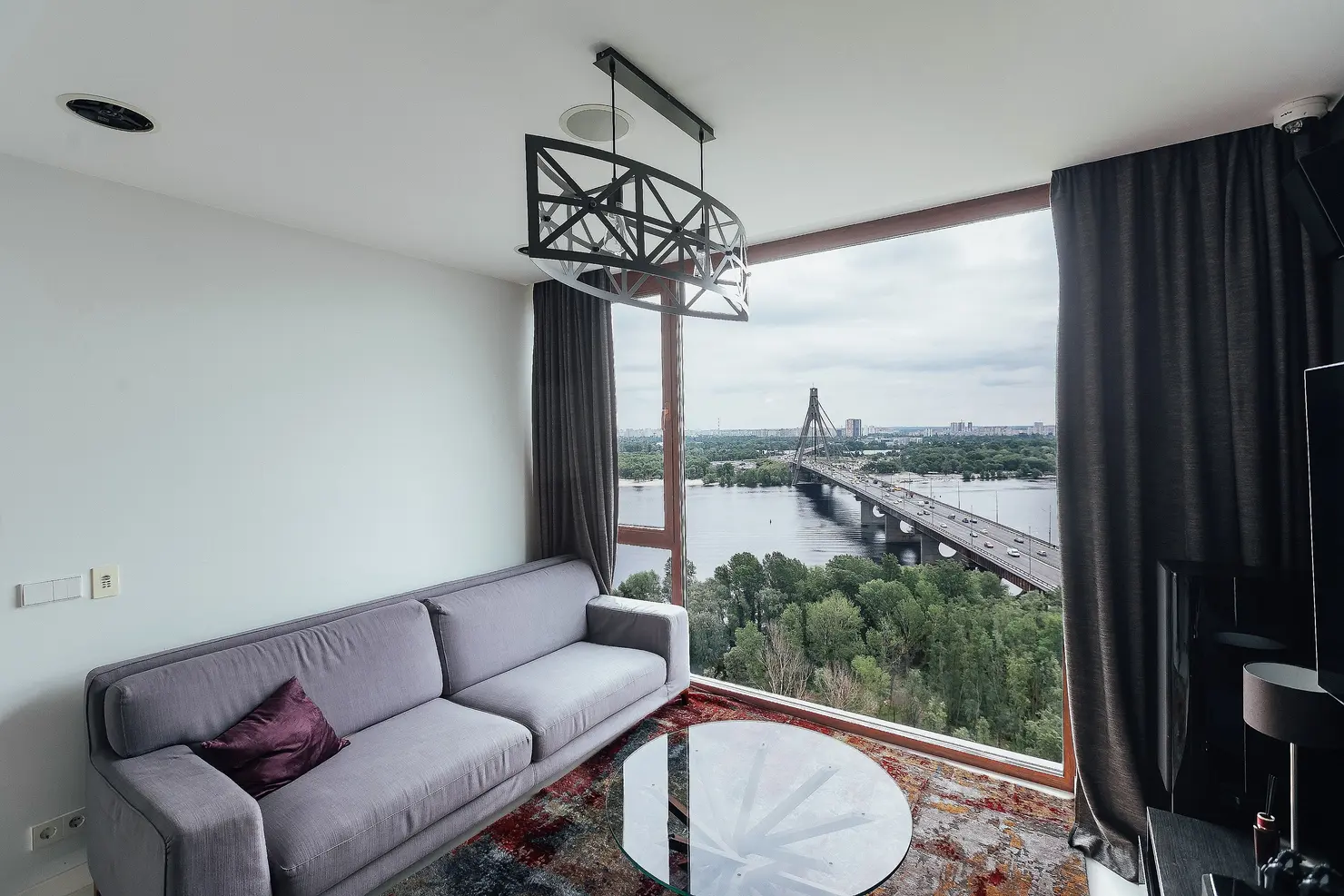
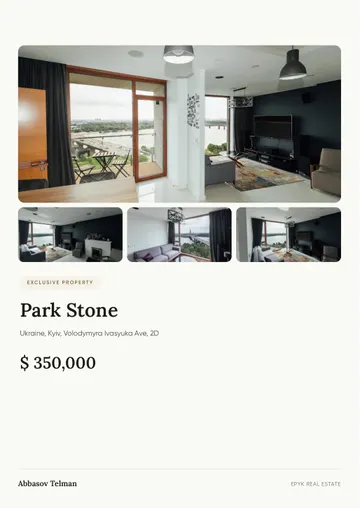
A property video made by the generator from photos and a description.
The address, the area and a few words about the property. The listing title and text appear on this page — no email needed for that.
Upload at least 4 photos and enter your email. AI enhances the photos, writes a post, edits a short video with music and builds a PDF presentation. It usually takes a few minutes.
You get a sign-in link by email. In your account you can edit any text, download the files and publish the property. Once it is published, the property gets its own website.
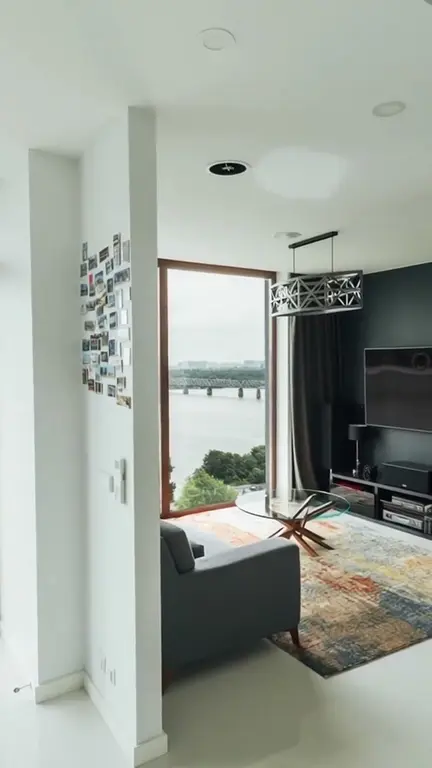
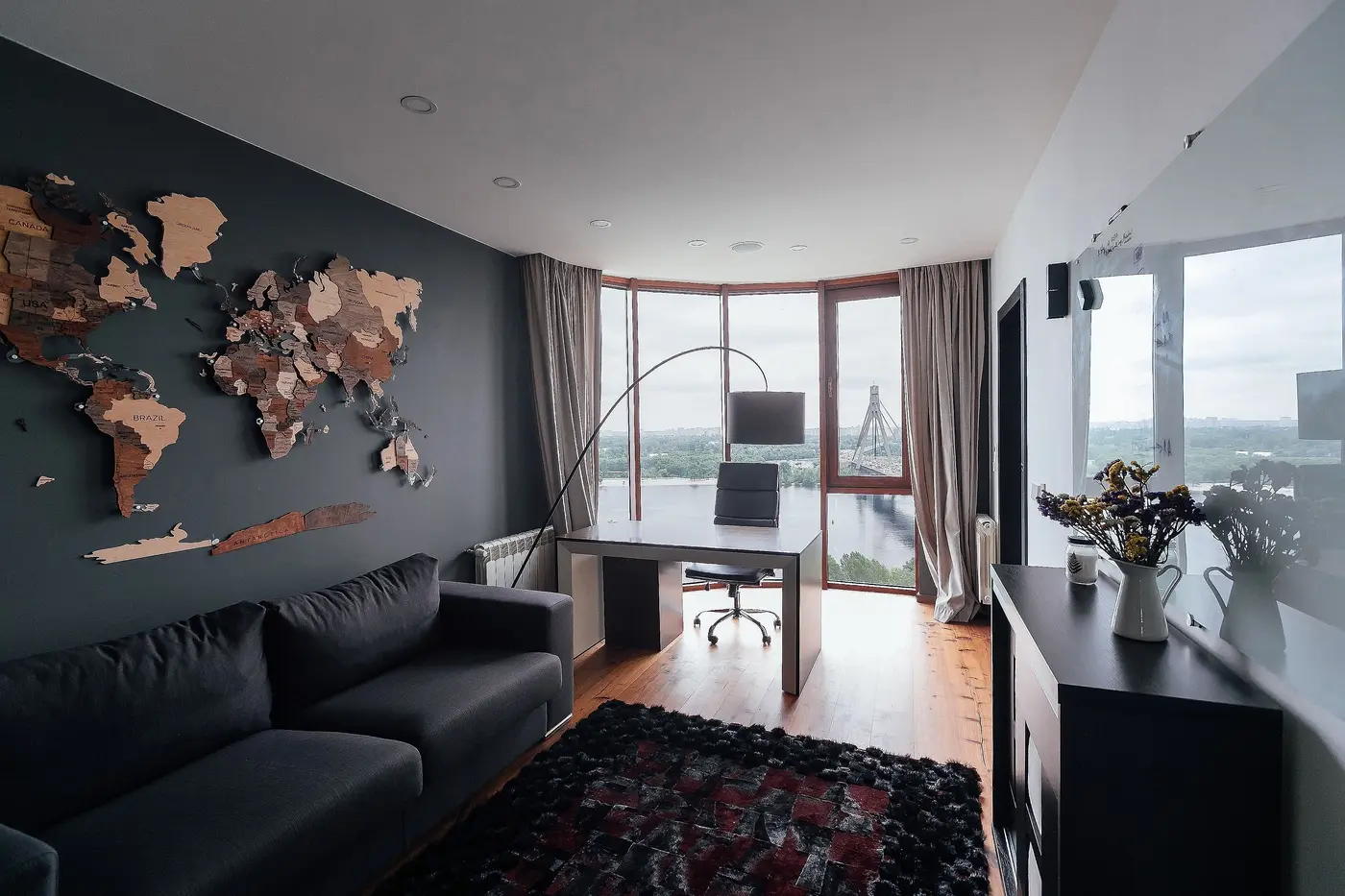
A listing package: enhanced photos, a listing description, a presentation text, a social media post, a short video with music and a PDF presentation. The property website appears once you publish the property in your account.
At least 4. It is best to upload photos of every room, the exterior and the view: more photos mean a more accurate description and a better video.
Yes. Everything opens in your account via the link in the email: rewrite the description, replace photos and adjust the post before publishing.
Yes, it is written as a regular listing: area, rooms, condition, neighborhood. Before publishing, check the figures and the rules of the portal you use.
A listing package is paid per use or included in your plan's monthly limit. Current prices and limits are in the pricing table on the home page.
10 languages: English, German, Spanish, Ukrainian, Russian, Azerbaijani, Arabic, French, Chinese and Turkish. You can describe one property in several languages.
A listing description sells the home; it is not an inventory sheet. Buyers scroll past dozens of similar cards, and the text decides whether they stop at yours. Here is what a strong listing contains and how to get a good draft from this tool.
Good listings share the same structure, whatever the market or price:
A template gives every apartment the same text, and buyers notice. The generator works from your photos and details and writes about this particular home: layout, light, condition, surroundings.
From one upload you get a description, a presentation text, a social post, a short video with music and a PDF presentation, usually within a few minutes. Texts are available in ten languages, so the same property can reach local and foreign buyers.
A listing package is paid per use or included in your plan's monthly limit. Current prices and limits are in the pricing table on the home page.
2br apartment, 75 m2, city center, renovated 2023, 4th floor, balcony, near metro, quiet street, 145 000 €.
Bright two-bedroom apartment in the city center, fully renovated in 2023 and ready to move in. The living room opens onto a balcony over a quiet street, and the metro is a short walk away. 75 m² on the 4th floor, €145,000. Book a viewing.